Signing up your address on Domi
Create your Domi account and verify your address to start reducing junk mail.
To onboard your property on Domi, follow these steps:
Download the app by clicking here.
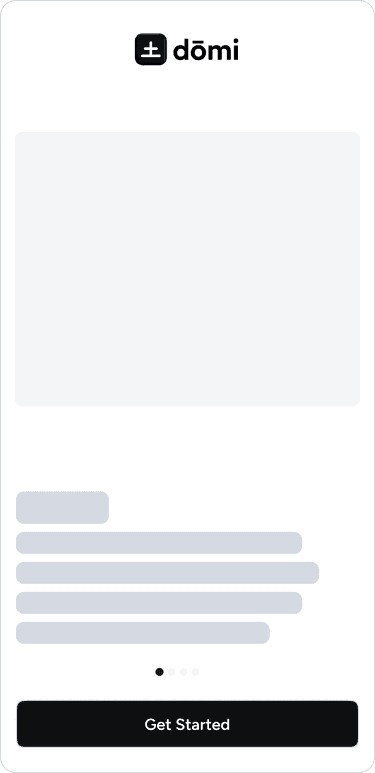
Open the app and click "Get Started."
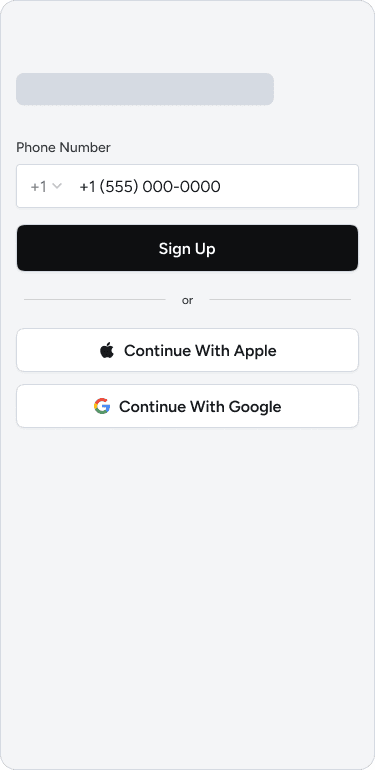
Enter your mobile number or sign up using Google or Apple.
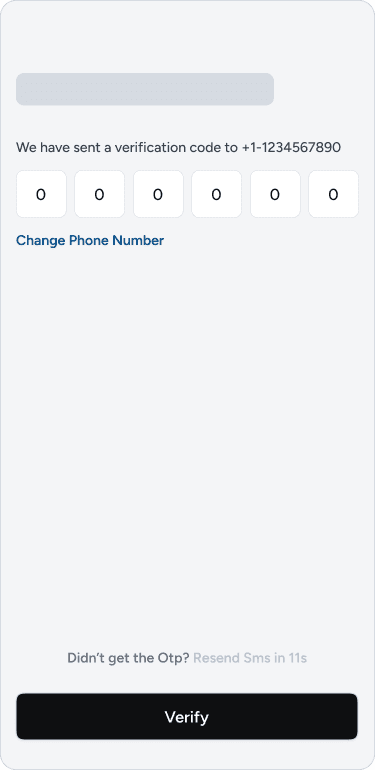
If you sign up with your mobile number, enter the OTP sent to you.
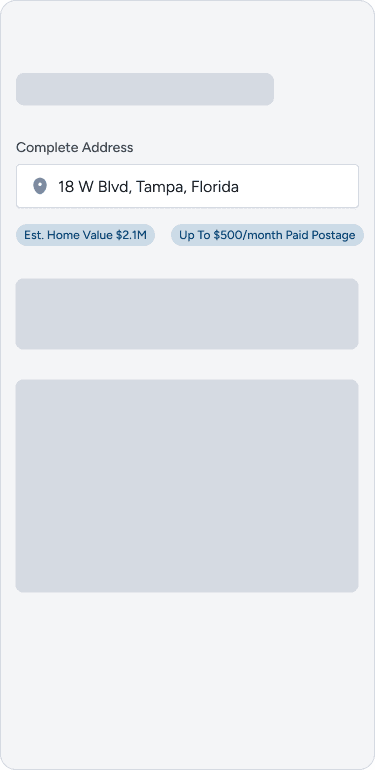
Add the address you own, and enter your apartment number if prompted.
Enter your name and select your property relationship (owner, tenant, or property manager). (Currently, we only support owners.)
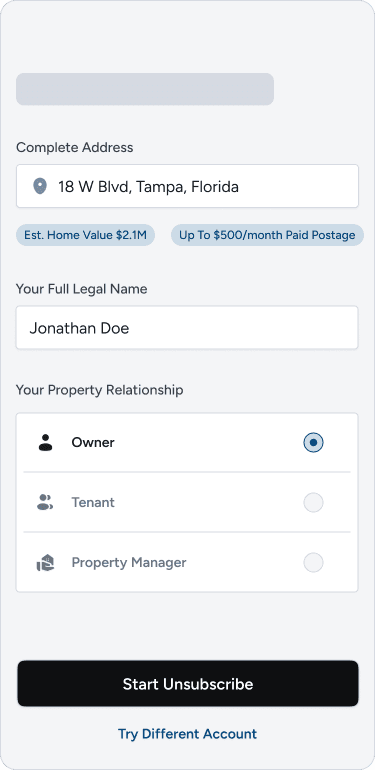
After entering these details, we will begin the process of enrolling you in various programs that can reduce your junk mail by up to 60%.
To enroll you in these programs, you will need to verify your address. Once verification is complete, your enrollment request will be processed.
Note: It may take 4–6 weeks before you begin noticing a reduction in junk mail.
Address Verification Steps:
Click on "Confirm Unsubscribe."
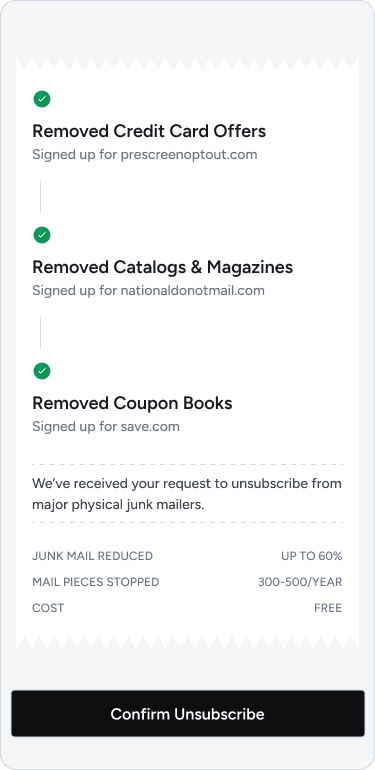
You will be taken to a screen to verify your address.
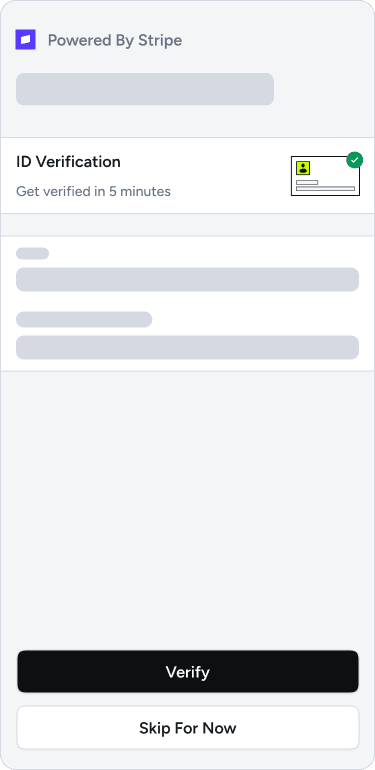
You will be redirected to Stripe to verify your identity. This process takes approximately 2–4 minutes.
After completing the verification on Stripe, return to the app.
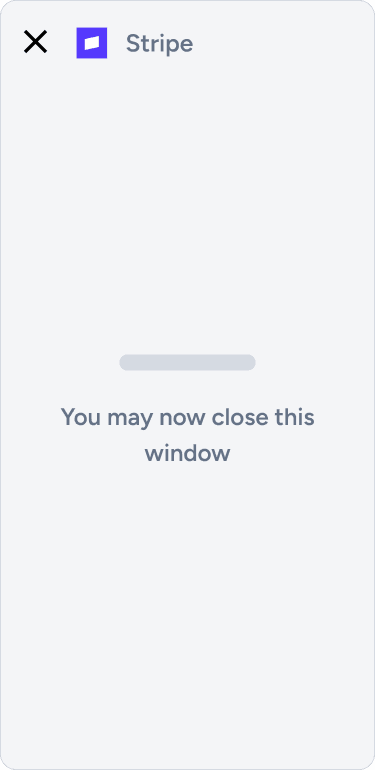
Wait 15–20 seconds for the verification to be processed.
Once verification is complete, you can begin unsubscribing from mail.