Verifying your address via postcard
Verify your address by requesting a postcard with a passcode sent to your mailbox.
To verify your address via postcard:
Click the button to start the postcard verification process.
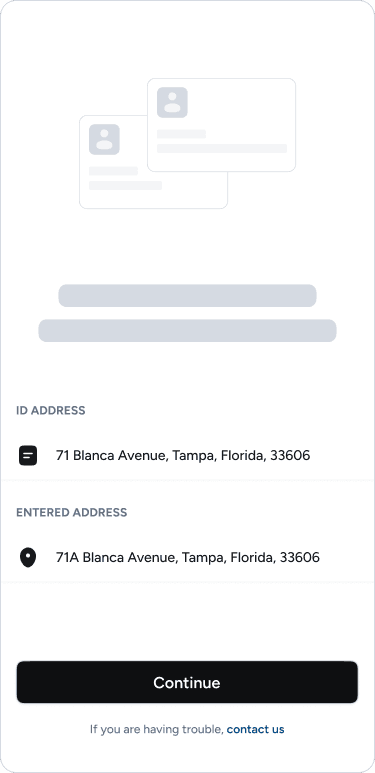
Select the address you want to verify.
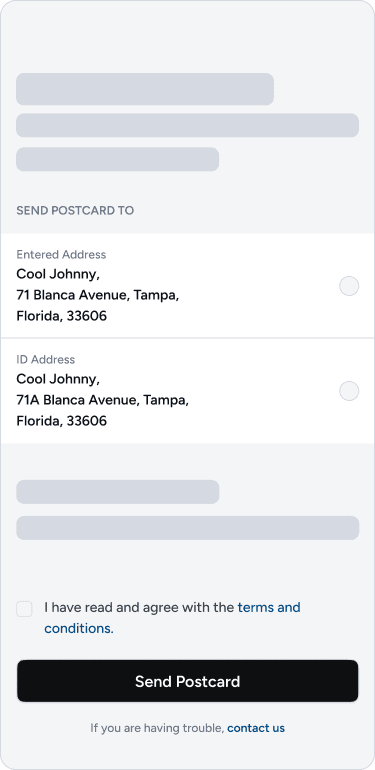
If you select the address shown on your ID, you will be verified instantly.
If you select the address entered in the app, you will need to verify it via postcard and click on "I agree …".
Click on "Send Postcard."
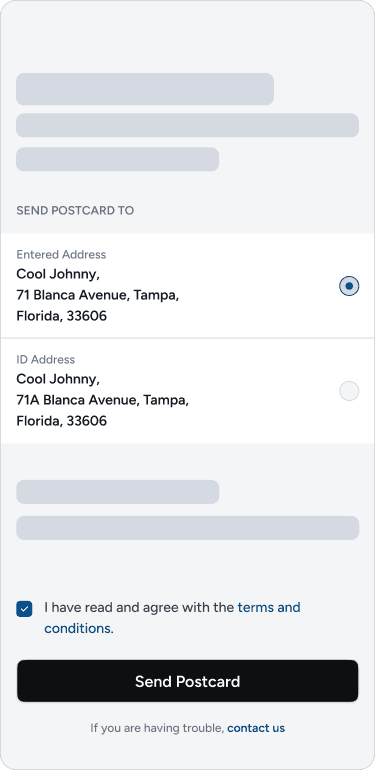
Within 4–5 business days, you will receive a postcard containing a passcode.
After receiving the postcard:
Click on "Verify Now" in the dashboard.
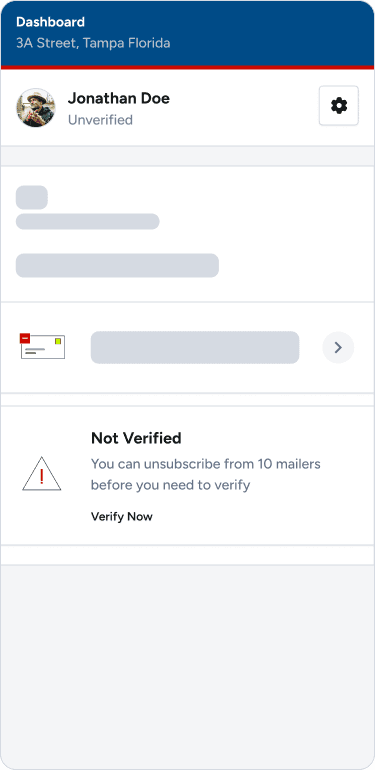
Enter your passcode carefully. Please note that the maximum number of attempts is three.
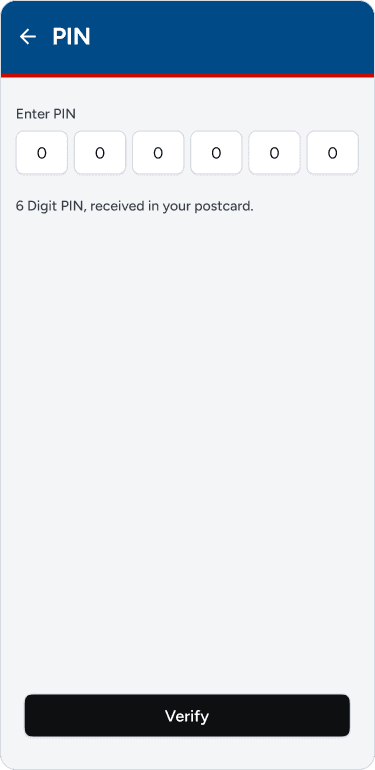
After entering the correct passcode, your address will be verified instantly.
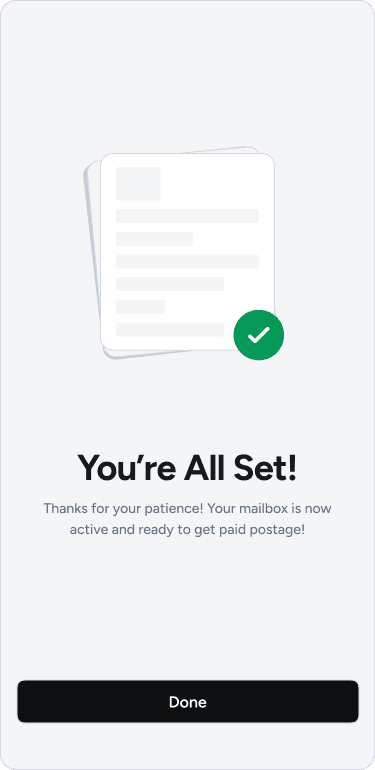
You're all set, you can now start unsubscribing from your mail.